Authorization
To use the Condens Public API, an API key is required for authorization. An API key allows secure access to your organization’s Condens data.
Generate API Key
API keys can be generated and managed directly from the Condens app by admins. To generate a new API key, go to Settings → API & MCP-Server in the left navigation pane.
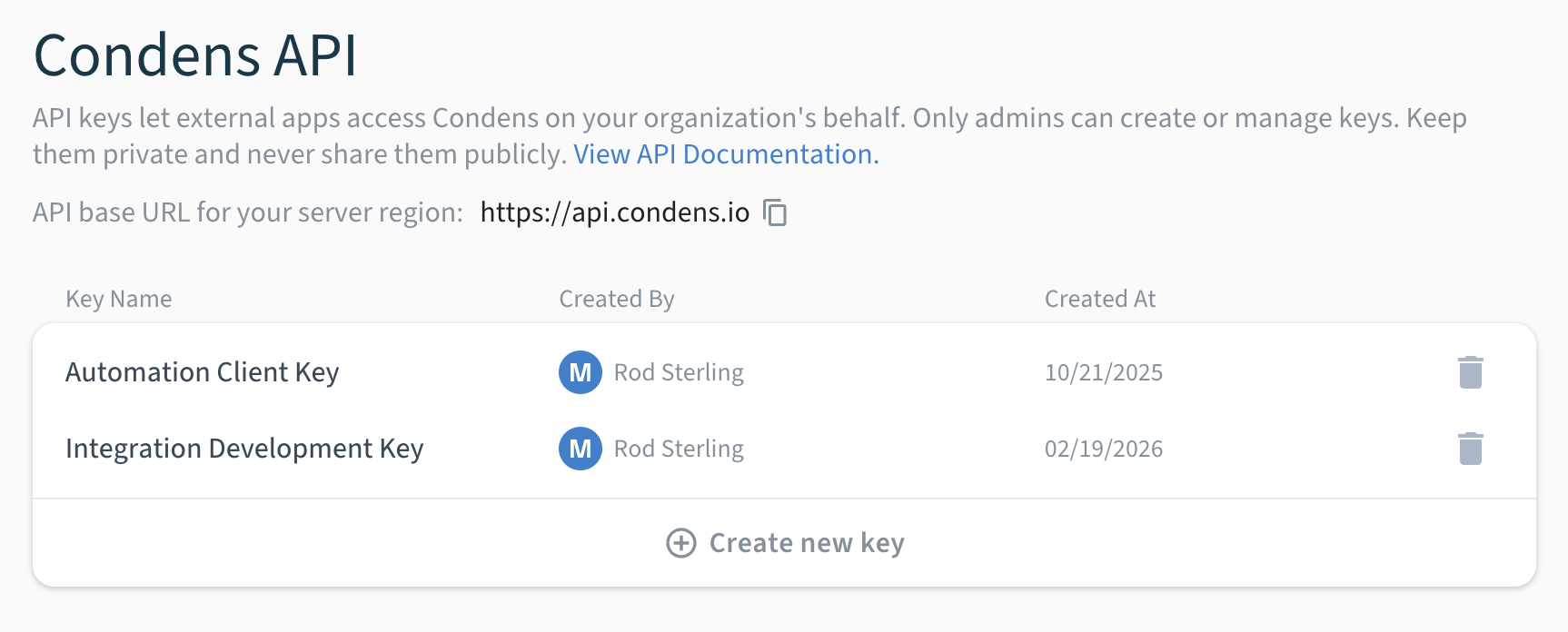
When you click Create new key, you can optionally add a name to the key. This name helps identify it, since the key is shown only once when generated. The creation date and the admin who generated the key are also recorded for easier tracking.
API keys are long-lived and do not expire unless explicitly deleted. Keep them secure and do not share them publicly. If you misplace a key, delete it immediately. This revokes all access rights and cannot be undone.
Using API Keys
All API endpoints require a valid API key, provided in the Authorization header as shown below.
Authorization: Bearer API_KEY